Single Sign-On
Single Sign-On
One of the first things you'll want to do after connecting to Konstruct is set up your SSO so that you can log in as yourself and invite your team to your new Organization.
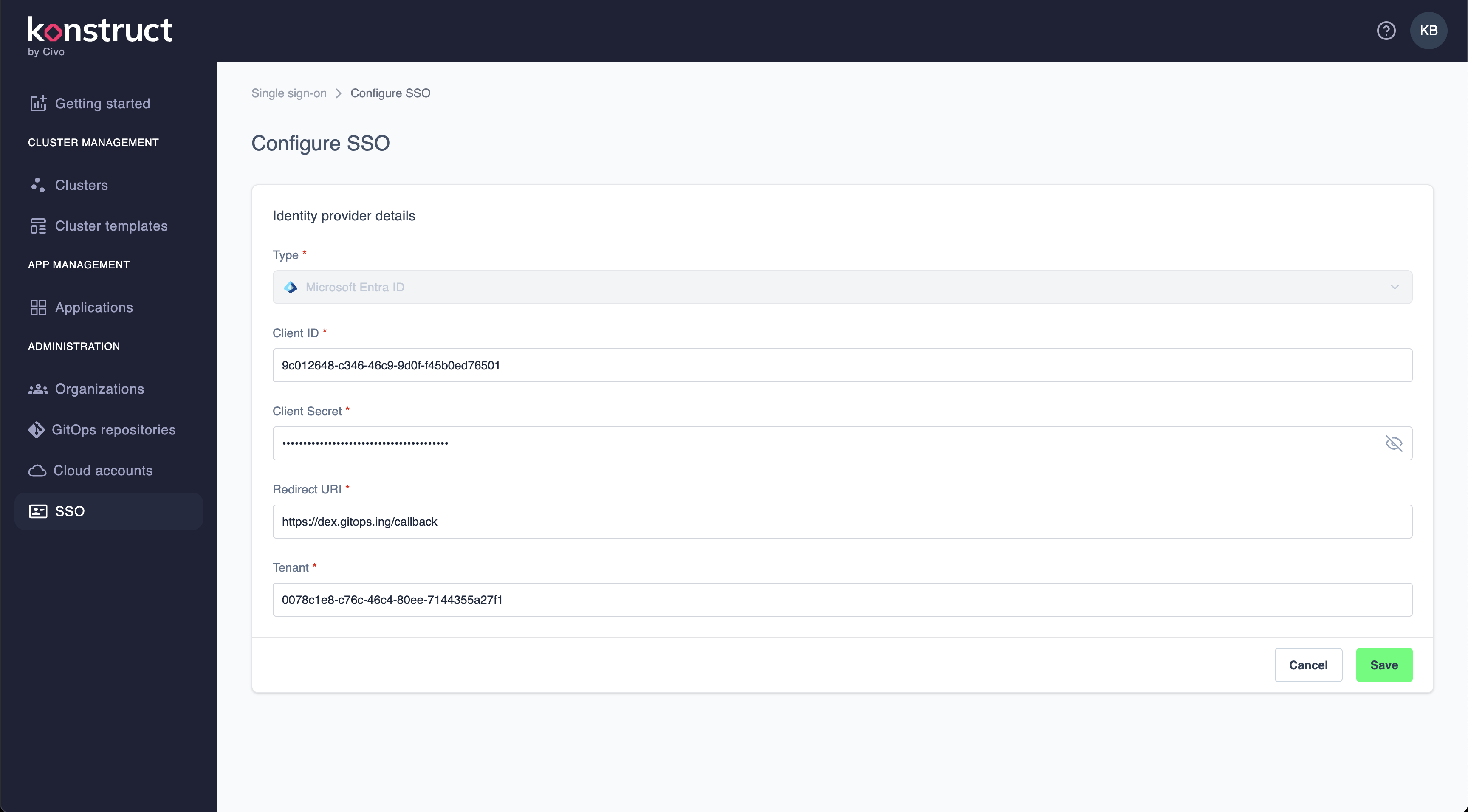
Microsoft Entra Configuration
Select Microsoft Entra ID as your identity provider Type.
Enter your Client ID and Client Secret from your Microsoft Entra configuration.
Next enter the Redirect URI for your Konstruct cluster's dex instance.
Last you'll have to enter your Tenant value and hit Save.
Next Step
Now that you've configured your SSO for your Konstruct instance, you can map your groups to our Konstruct roles when you create an Organiation.