GitOps
Registering GitOps
When you register a GitHub organization with Konstruct, your organization will receive a new gitops repository that houses all of the desired states for any infrastructure as code or application instances.
As your team's applications update with new container builds and charts, the updated versions will be set in this gitops repository. That will automatically send those versions to your Konstruct clusters.
To register a GitOps repository:
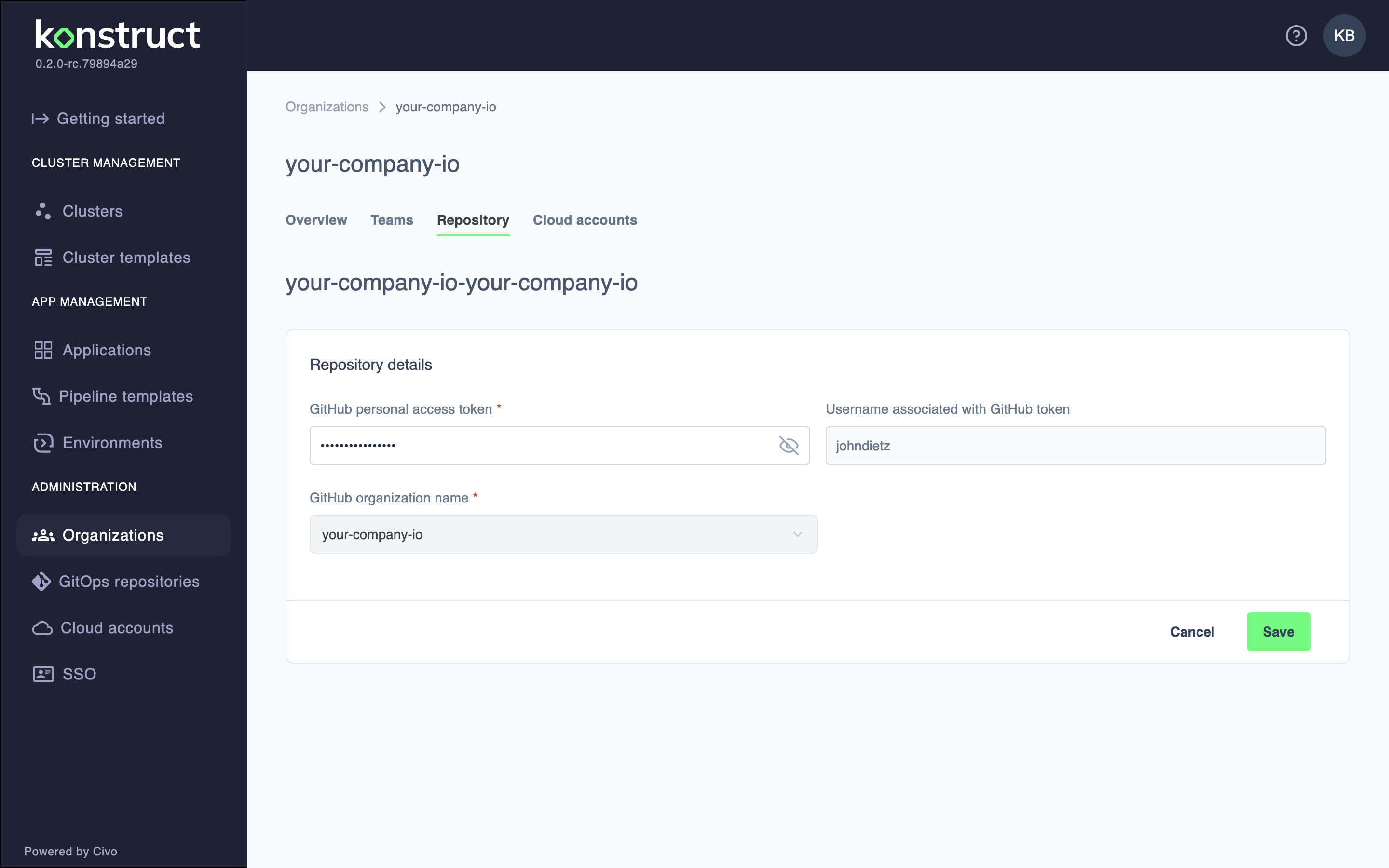
- Navigate to your organization's Repository tab
- Click Register repository
- Add your GitHub personal access token to enable the Organization dropdown
- Select your GitHub organization that you want to associate with this Konstruct Organization
- Click Register Repository
Organization GitOps Repository
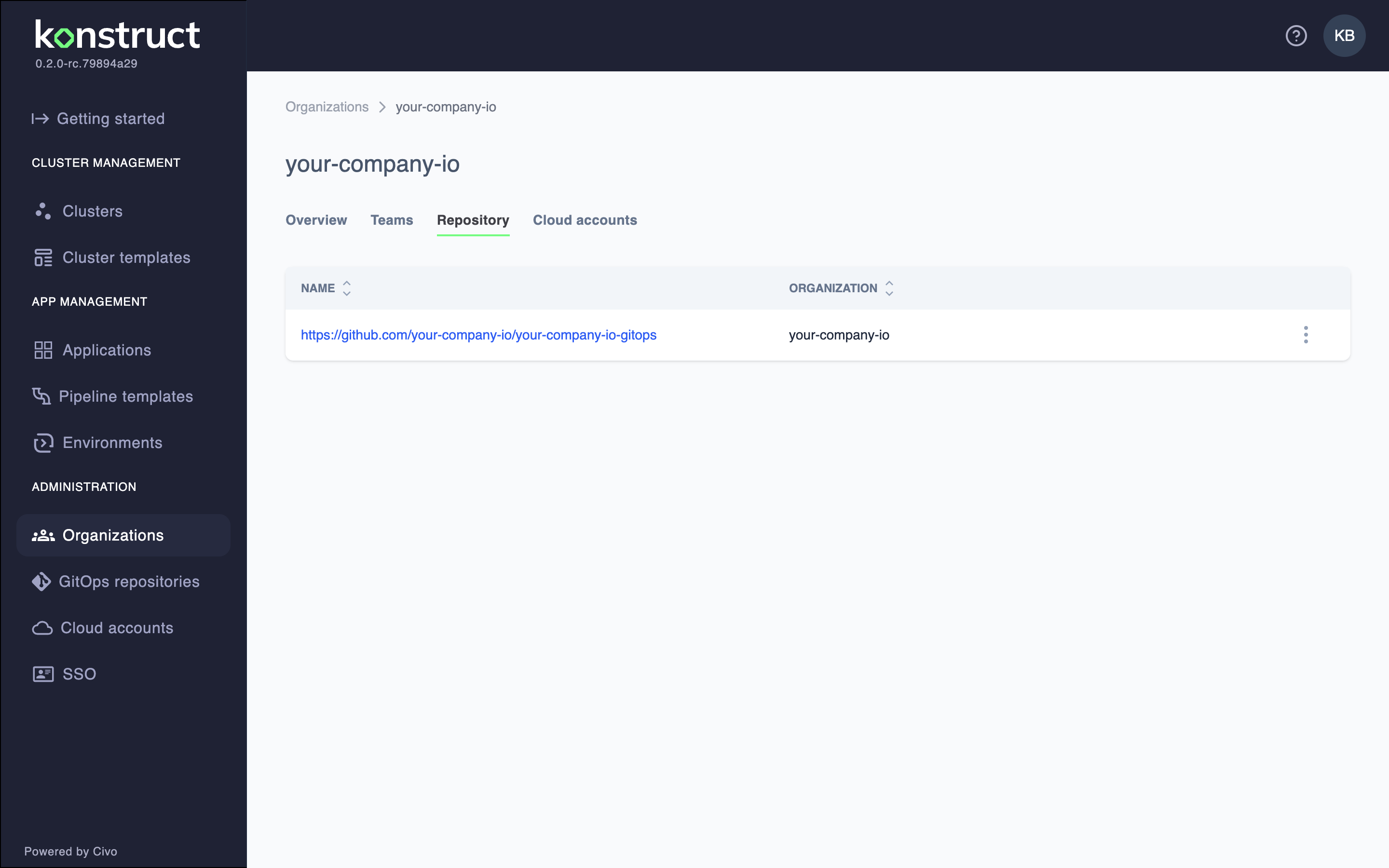
An organization gitops repo will be created automatically with the convention orgname-gitops. This is the repo that will house all of your infrastructure and platform tooling resources.
This image is automatically generated from Cypress tests.
This architecture allows you to isolate your application delivery resources from your infrastructure and platform resources. This also allows you to isolate access and platform contribution per organization.
To edit the repository configuration, click the Edit button in the actions menu.
This image is automatically generated from Cypress tests.