Logging In
After your Konstruct instance is deployed, navigate to your instance URL to access the login page.
This image is automatically generated from Cypress tests.
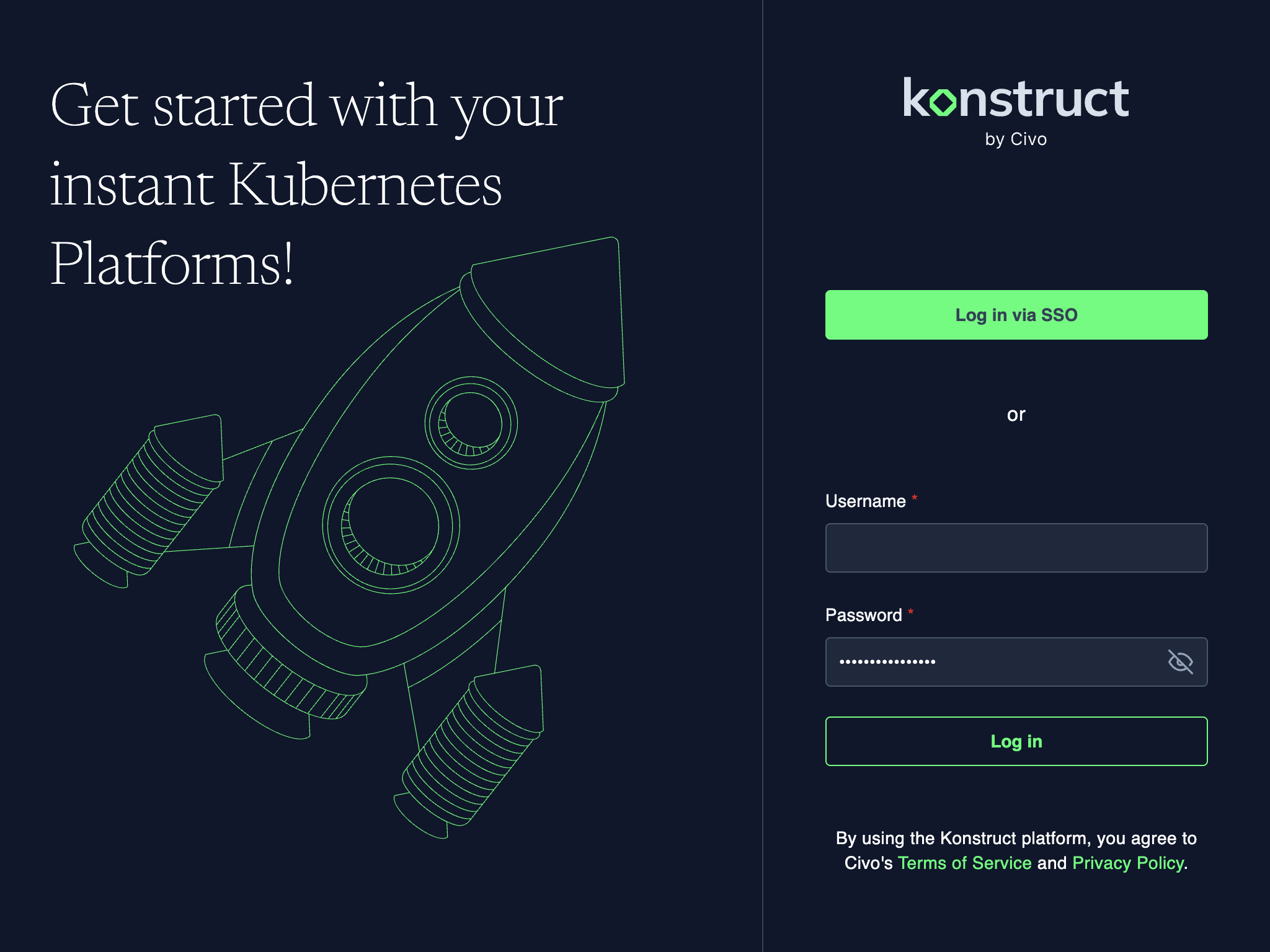
Konstruct uses Dex as an identity broker, allowing you to bring your own OIDC/SSO provider. You can log in via SSO or with local credentials. For your initial login, you'll need to login with kbot so that you can configure your OIDC details.
Default Login with kbot
This account is created automatically during installation, but will require you to establish and encrypt its initial password.
To create the kbot password:
- Create a bcrypt hash script on your local machine:
curl -sL https://konstruct.civonetes.com/docs/scripts/bcrypt_hash.sh -o bcrypt_hash.sh
chmod +x bcrypt_hash.sh
- Generate a bcrypt hash for your desired password:
./bcrypt_hash.sh -create -password 'your-secure-password'
This outputs a hash like $2a$10$... that you'll use in the next step.
- Update the kbot password hash in your Dex configuration:
kubectl edit secret -n dex dex-config
Find the staticPasswords section and update the hash value for the kbot user.
- Restart Dex to apply the changes:
kubectl rollout restart deployment -n dex dex
- Log in to Konstruct using username
kbotand the password you chose.
You can verify your password against an existing hash:
./bcrypt_hash.sh -verify -password 'your-password' -hash '$2a$10$...'
Configuring SSO
Once logged in, configure your identity provider to enable SSO for your team. See Single Sign-On for setup instructions.