Getting Started
After installing Konstruct and logging in, you'll see the Getting Started dashboard with a checklist to guide your setup.
This image is automatically generated from Cypress tests.
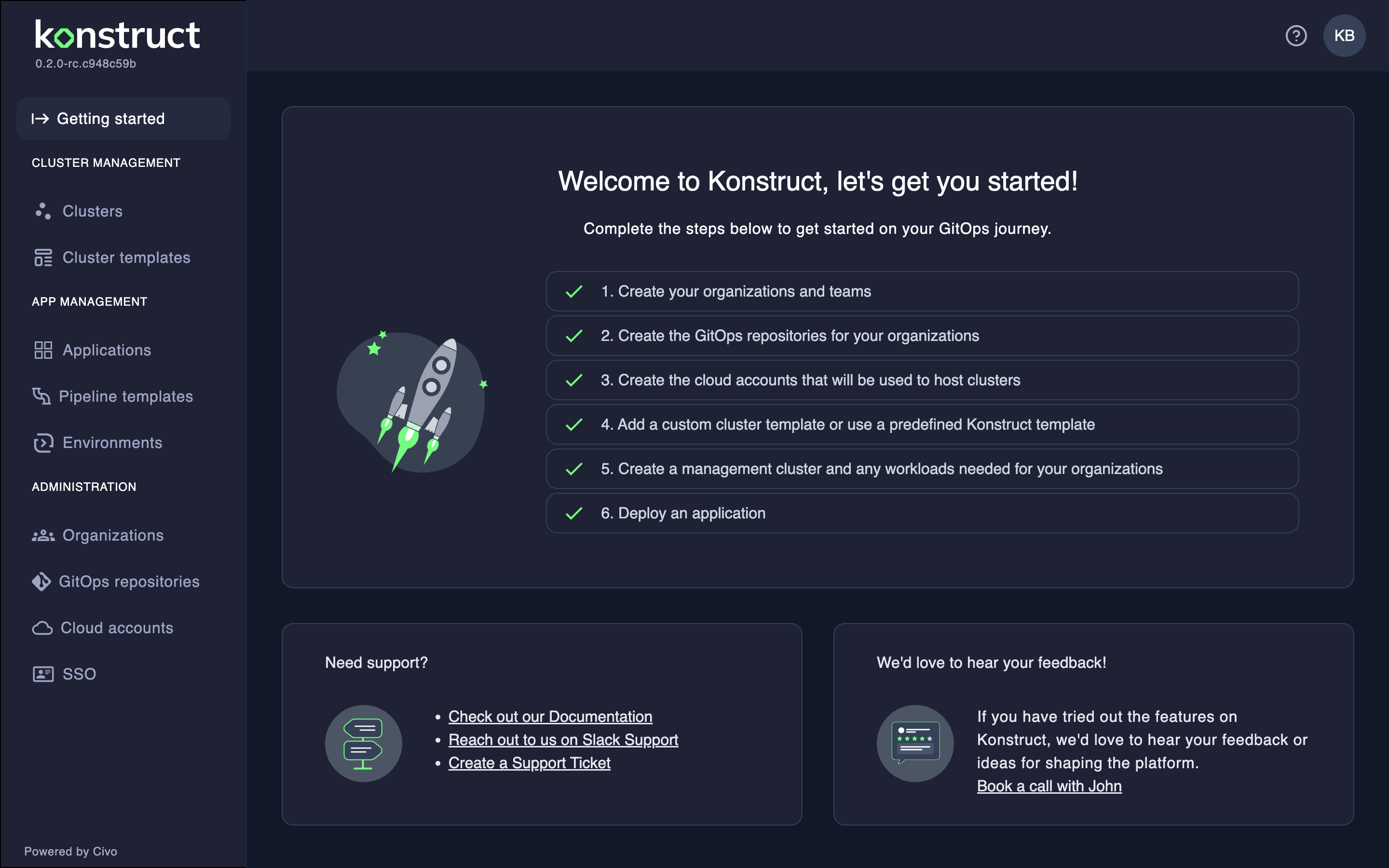
Setup Checklist
Complete these steps to configure your platform:
-
Create your organizations and teams - Set up organizational structure and user groups. See Organizations.
-
Create GitOps repositories - Configure repositories for GitOps workflows. See GitOps Repositories.
-
Create cloud accounts - Add cloud provider credentials for cluster provisioning. See Cloud Accounts.
-
Add a cluster template - Use a predefined Konstruct template or create a custom one. See Cluster Templates.
-
Create a management cluster - Provision your first management cluster. See Creating Clusters.
-
Deploy an application - Register and deploy your first application. See Applications.
Getting Support
Schedule a Demo
If you'd like to see a live demo or discuss how Konstruct can meet your team's needs, schedule time with us.